New ·
Agent Studio agents now run inside Flows
Until today, using an AI agent in an automation meant copying an endpoint, pasting an API key and writing glue code. Now it is one switch.
Deploy an agent in Agent Studio, turn on “Add this agent to Flows automatically”, and it shows up in Flows as a ready-to-use step.
- 01Deploy your agent in Agent StudioDesign the orchestrator, sub-agents, guardrails and shield on the canvas, then open the Deploy dialog.
- 02Turn on “Add this agent to Flows automatically”Agent Studio registers the deployed agent with Flows and re-registers it on every deploy, so the step always calls your latest version.
- 03Use it as a step in FlowsThe agent appears in Flows as “Ask <agent name>”. Drop it between any trigger and action, like a new support email in and a Slack reply out.
Example workflow, no code
- New support email
- Ask Support Copilot
- Post answer to #support
- One switchTurn it on in the Deploy dialog. Every redeploy syncs itself.
- Guardrails includedThe injection shield and your policies still run on every call from Flows. Blocked inputs return your configured refusal.
- Signed and encryptedSync requests are HMAC-signed with a shared secret, API keys are encrypted at rest, and accounts are matched by the same Google login.
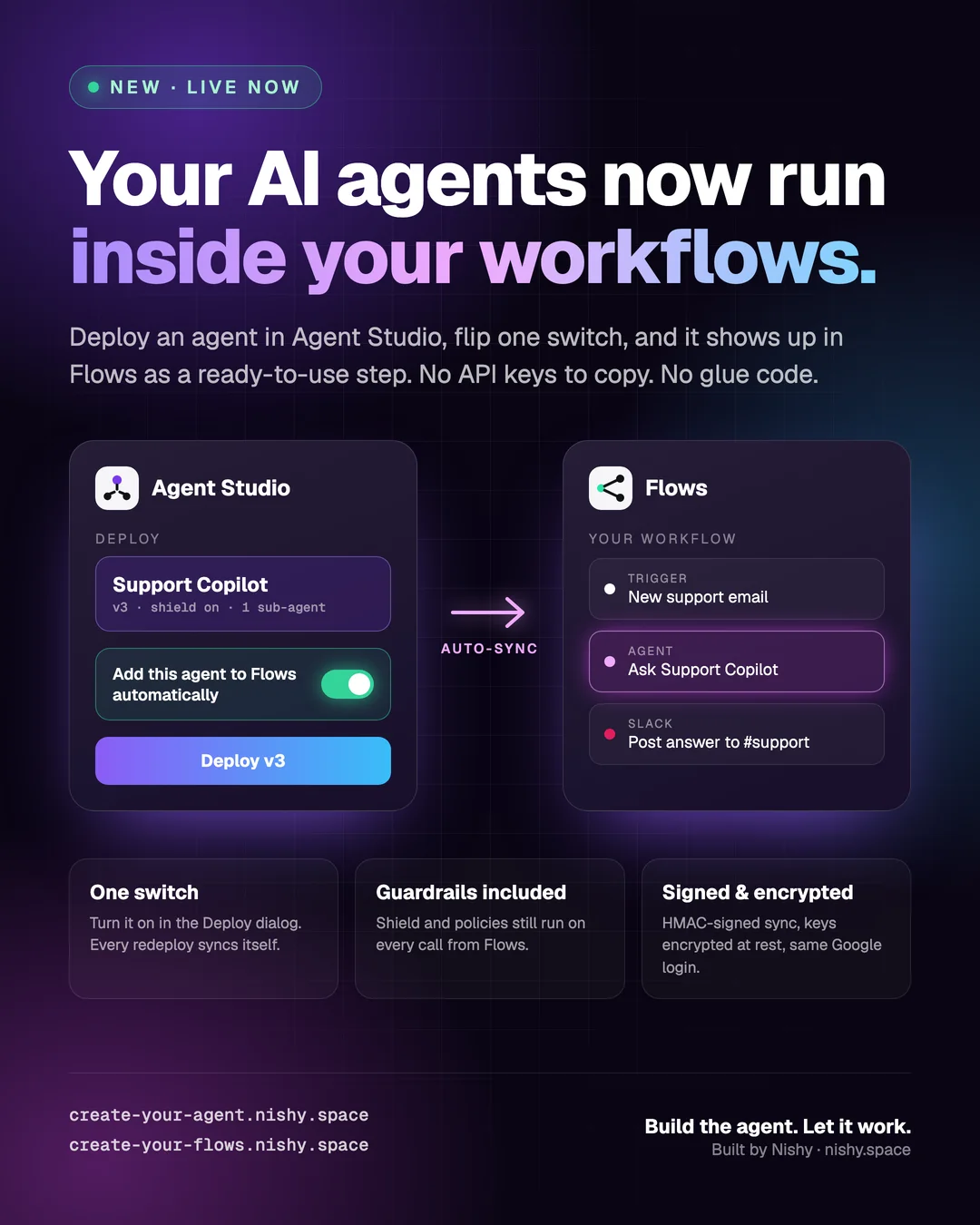
Tap the poster to open it full size.